
How to Keep Score at a Quiz Night: Rules, Score Sheet and Example
By Maximilian Holstein · Published: · 9 min read
Quick answer
How do you keep score at a quiz night?
Agree on the scoring rules before the first question, record each team's result for every round, and add only the new round's points to its running total. Keep a separate round-by-round score sheet so you can check corrections and resolve ties using a rule announced in advance. The free template and worked example below show how to do this without counting points twice.
For this guide, “quiz night” covers a team trivia night, pub quiz or a quiz you organize at home. The example uses one point per correct answer; it is a suggested format, not a rule that every quiz must follow.
Need a shared score display? Open the free online score counter, then use the sheet below to keep your round-by-round record.
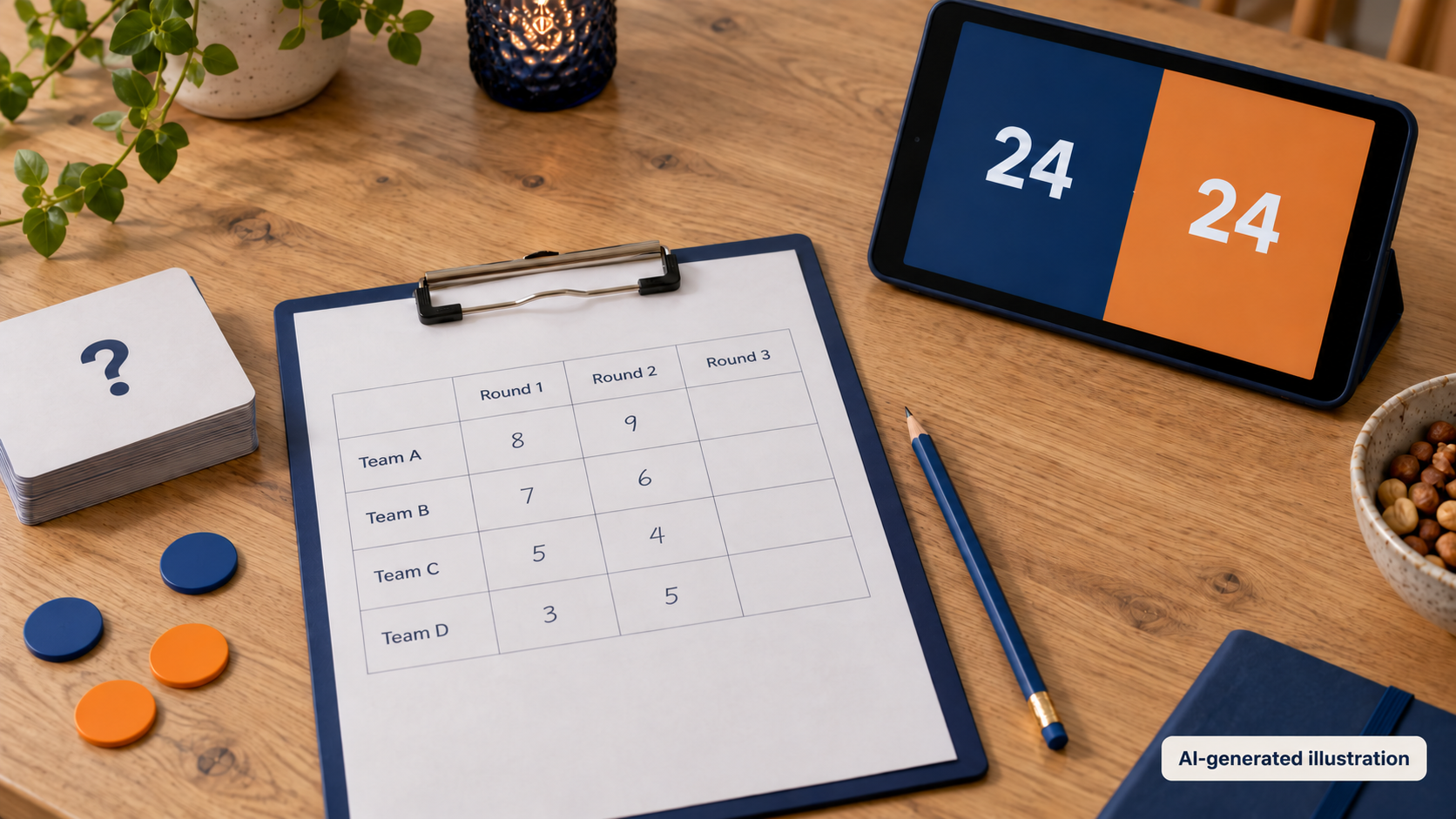
What scoring rules should you set before a quiz night?
Start with a scoring system you can explain in a few sentences. For a straightforward quiz, award one point for each correct answer and zero for an incorrect or blank answer. Announce any exceptions before the affected questions are played.
Here is a complete starting format you can adapt:
| Decision | Suggested rule for this quiz |
|---|---|
| Correct answer | 1 point |
| Incorrect or blank answer | 0 points; no deduction |
| Questions per round | 10, with a maximum of 10 points |
| Multi-part answers | Avoid them, or state the points for each required part in advance |
| Bonus or joker rounds | None in the basic format |
| Score queries | Raise them before the next round starts; allow a final check before confirming the winner |
| Tie for a prize | Use a pre-announced tie-break question |
Prepare an answer key before play. Specify acceptable alternatives where an answer might be written in more than one reasonable way. Appoint one scorekeeper to update the running scores; a second person can check the arithmetic without entering the same result again.
For a bonus round, write its maximum score on the sheet. A ten-question round worth two points per answer has a maximum of 20, not 10. Announce that difference before players begin.
Free quiz score sheet: eight teams and six rounds
Use this blank quiz score sheet to record round results, not repeated running totals. Copy the table into a document or spreadsheet, replace the team labels, and print it in landscape orientation. Use fewer columns for a shorter quiz or add rows for more teams.
Quiz name: ____________________
Date: ____________________
Scorekeeper: ____________________
Points per correct answer: ____________________
Tie-break rule: ____________________
| Team | Round 1 | Round 2 | Round 3 | Round 4 | Round 5 | Round 6 | Total |
|---|---|---|---|---|---|---|---|
| Team 1 | |||||||
| Team 2 | |||||||
| Team 3 | |||||||
| Team 4 | |||||||
| Team 5 | |||||||
| Team 6 | |||||||
| Team 7 | |||||||
| Team 8 |
Maximum points by round: R1 ____ / R2 ____ / R3 ____ / R4 ____ / R5 ____ / R6 ____
Corrections and tie-break notes:
________________________________________________________________
________________________________________________________________
Leave unplayed rounds empty. Enter 0 when a team has completed a round and earned no points. This distinguishes a confirmed zero from a result you have not received yet.
Total = Round 1 + Round 2 + … + the last completed round. If you put the table in a spreadsheet, add a sum formula to the Total column; the printed table itself does not calculate anything.
This is the host's scoring sheet, not a question-by-question answer sheet for players. Keep submitted answers separately until results are confirmed. The template is also a separate record: it does not create a TeamCounter list or synchronize with the counter.
How does scoring work across several quiz rounds?
Keep two numbers distinct: the result of one round and the total so far. The round result is what you add. The running total is the number you show after adding it.
The following fictional example has four teams, three rounds and ten available points per round. No bonus points or deductions apply.
| Team | Round 1 | Round 2 | Round 3 | Final total |
|---|---|---|---|---|
| Team Blue | 8 | 7 | 9 | 24 |
| Team Orange | 7 | 9 | 8 | 24 |
| Team Green | 6 | 8 | 7 | 21 |
| Team Red | 9 | 6 | 6 | 21 |
For Team Blue, the calculation is 8 + 7 + 9 = 24. After round two, its running score is 15, but its round-two result is still 7.
These are the cumulative scores to check on your display:
| Team | After round 1 | After round 2 | After round 3 |
|---|---|---|---|
| Team Blue | 8 | 15 | 24 |
| Team Orange | 7 | 16 | 24 |
| Team Green | 6 | 14 | 21 |
| Team Red | 9 | 15 | 21 |
Team Blue and Team Orange finish tied for the lead. Keep both on 24 while you resolve the tie. Do not invent an extra point just to make the scoreboard show a sole leader; record the tie-break outcome separately unless your published rules explicitly award additional points.
How do you keep a quiz's running score with TeamCounter?
Use TeamCounter for the current score and your sheet for the round-by-round record. Keep that distinction throughout the event rather than treating the counter as an automatic quiz-marking system.
Set up the teams before play
Create a score counter for the event. Choose an online list when you need shareable links or a display on another device. Add one entry per team, with clear names matching the sheet, and start everyone at zero.
Check the point increments before the first round. TeamCounter supports increments such as +1, +5 and +10. Try a practice point and remove it before play; confirm that every team is back at zero.
Add each confirmed round once
After marking a round, use the same sequence for every team:
- Write its round result in the correct sheet column.
- Check the result against that round's maximum.
- Add that result to the team's existing counter value.
- Compare the counter with the sum of its completed rounds.
- Mark the result as entered on your working sheet.
For Team Blue's second round, add 7 to the existing 8. With +5 and +1 available, that is one +5 action followed by two +1 actions. The result must be 15.
Do not add 15 to the existing 8. That would produce 23 and count round one twice. Do not reset the counter between rounds of the same quiz either; reset only when starting a separate game after saving the previous result.
Scoring a card game, a training match or a small club tournament instead? Learn how to keep score for games and teams, including when to reset between games.
How should you correct mistakes and break a tie?
Correct the difference, not the whole score
If a round result was entered as 8 but should be 7, change that round's sheet entry to 7 and reduce the running score by 1. Keep a short note of the reason and who checked it. Do not subtract 1 again when you next calculate the total from the corrected sheet.
For an accidental +1 in the counter, use the minus control and check the resulting score. For a larger discrepancy, identify the difference before making several changes. TeamCounter's game-score template notes explain the distinction between a current-score export and a complete scoring record.
Apply marking corrections consistently. If the answer key was wrong, review the affected question for every team rather than correcting only the team that queried it.
Use a tie-break decided before the quiz
One possible rule is a numerical estimate: every tied team submits an answer at the same time, and the estimate closest to the verified answer wins. Announce whether an answer may be above or below the target; in this example, either is allowed.
For a fictional tie-break with a correct value of 100, guesses of 96 and 107 are respectively 4 and 7 away. The guess of 96 wins. If two teams are equally close, use another prepared question under the same rule, or share the placing if that was agreed beforehand.
Keep the main quiz total and tie-break result separate. Resolve only the ties that matter for your announced prizes or final placings.
Can you run the quiz locally and save the result?
For one device at the table, you can keep score in the local browser counter. It does not provide cross-device share links. Open and test it while connected: an already-open local page can keep counting without internet, but loading or reloading it requires a connection. Clearing browser site data can delete local lists.
At the end, compare every final score with the sheet, resolve relevant ties and save the results before a reset. A TeamCounter CSV export records the current score; it is not your complete round-by-round quiz record. Keep the completed sheet and any correction notes alongside it. Do not treat the CSV as an automatically restorable backup.
Frequently asked questions about quiz night scoring
How many points should a correct quiz answer be worth?
One point is a simple starting rule. Different weights, partial credit or bonuses are possible, but explain them before play and write down each round's maximum. The example in this guide uses one point per correct answer.
Should you reset the score after every round?
Not when the winner is determined by the total across rounds. Keep adding confirmed round results to the running score. Reset only for a new, separate game after preserving the previous results.
Is this a quiz score sheet or an answer sheet?
It is a host's score sheet for team results by round. Players' question-by-question answers belong on separate answer sheets. Keep those until marking queries have been resolved.
Can TeamCounter automatically mark quiz answers?
The workflow here uses manual marking: the host checks answers, records round results and enters the points. TeamCounter is used to count and display the running scores, not to supply the answer key or judge responses.
Can you use the template for more than eight teams?
Yes. Add one row per team and keep names identical on the sheet and counter. Extend the round columns for a longer quiz and check that the Total calculation includes every played round.
Ready to score your quiz?
Set the rules, prepare the sheet and choose one person to enter confirmed results. Then open the quiz score counter and keep the running scores visible while your sheet preserves the detail behind them.